Screen has no channel selected
- Within the Eyemagnet CMS, browse to the screen section on the right hand side and select the screen that is black.
- As shown below, if you have no channel selected, the screen will not play any content.
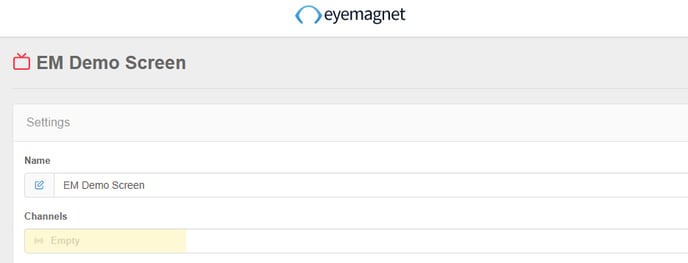
- Click the channel box and select the channel you wish to play on this screen.
Channel selected has no playlist selected
- If you have checked your screen has channel selected, browse to the channels section and select the channel.
- As shown below, if the channel section below is empty the screen will not play any content.
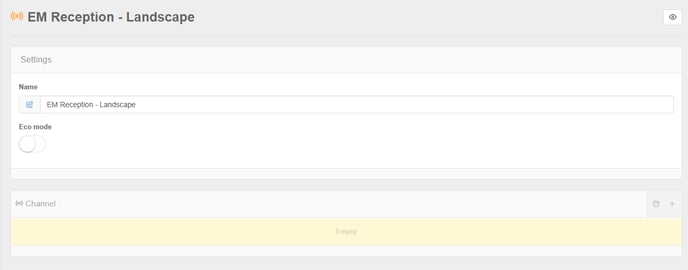
- Select the playlist(s) you would like this channel to play
Playlist has no entries
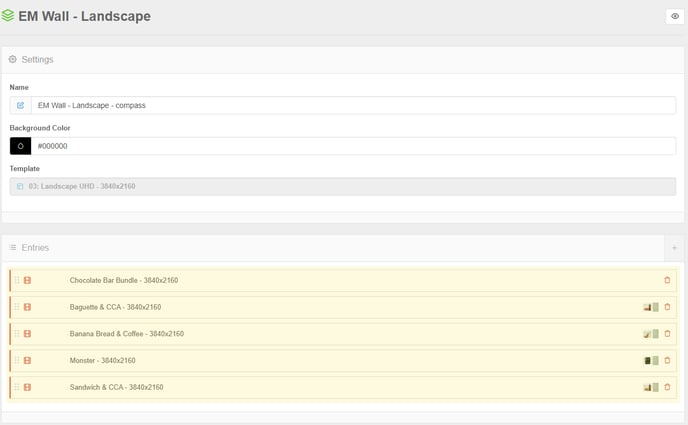
- If your playlist is selected within the channel you next want to check the playlist contains media items
- Browse to the playlist section and select the playlist
- Ensure the Entries section contains the media you would like you play.
Playlist entries have conditions preventing playback
Time based conditions
If your playlist contains media items, there may be some conditions that are preventing the screen from playing, such as a scheduled time frame for the content. Each media item in the playlist can be configured to be embargo, expire or only play on certain days, dates or time of day. These are shown under each media item within the playlist. Conditions which are preventing that item from playing are shown in yellow text
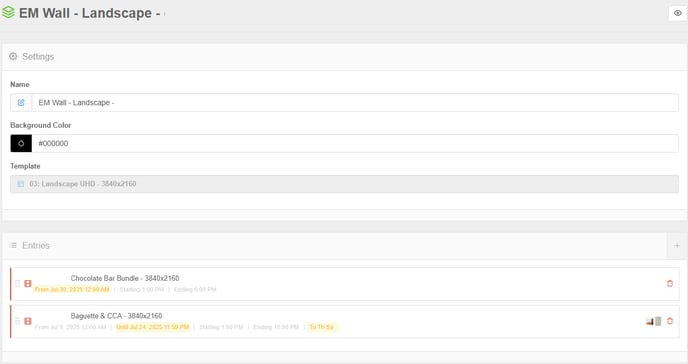
Adjust or removing these conditions will configure the screen to play correctly.
Tagging
If tagging is in use, it should be checked the tag used on the media item is also in use on the screen. If a screen is does not have the tag used on the media item, it will not play that item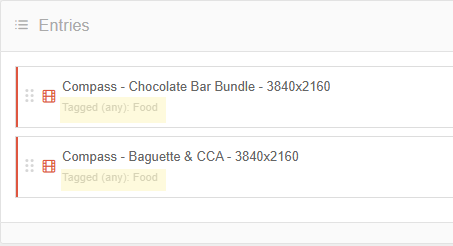
Ensure screen has matching tags: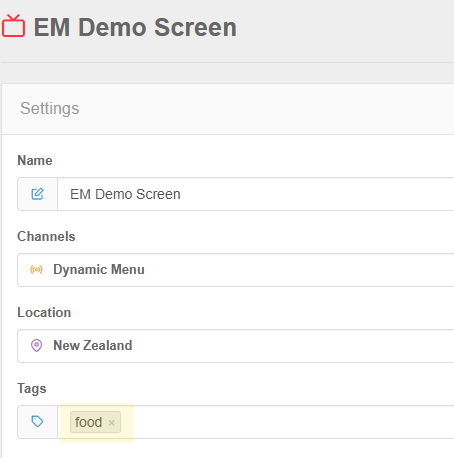
Incompatible Media Scheduled
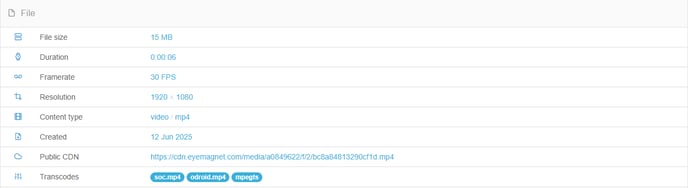
Ensure you're content uploaded matches the expected expectations and is compatible with the display being used.
A common mistake when exporting media out of creative software is to export at higher quality or print settings which are incompatible.
Basic media information is provided in the media section under the 'File' section