
Post a Comment
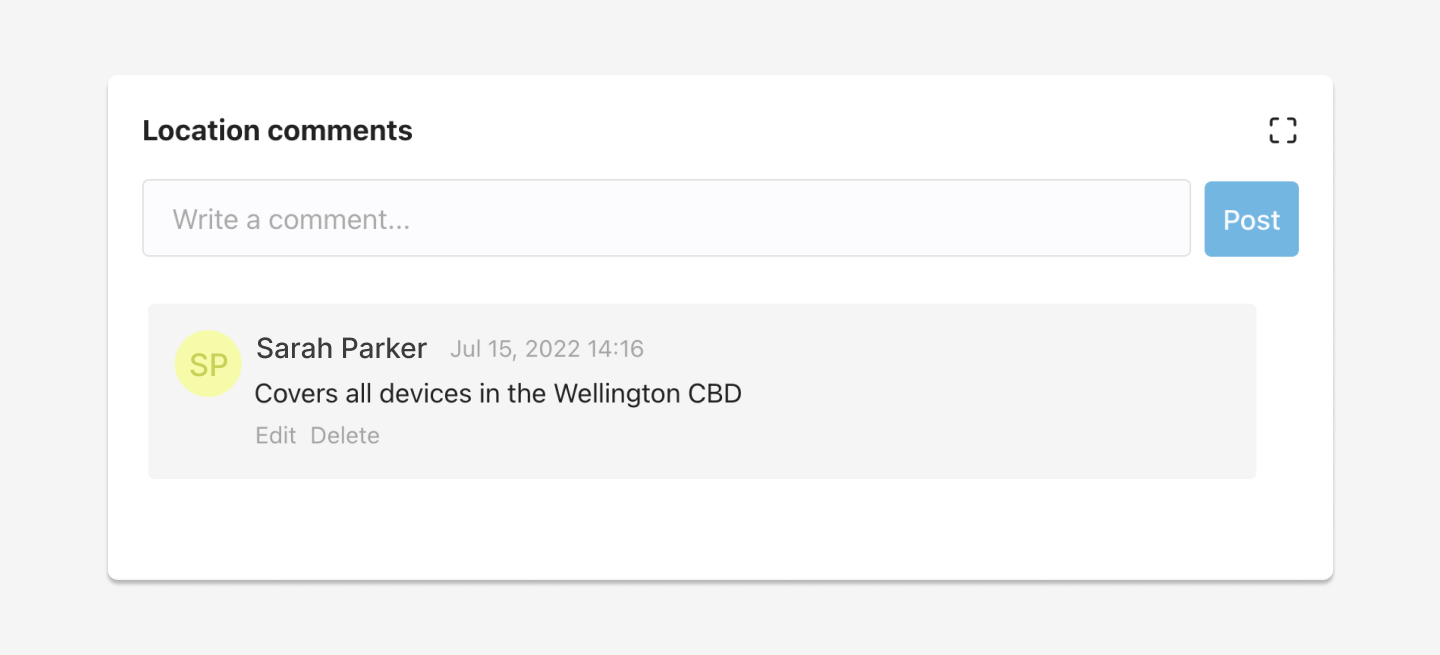
To post a comment on a location, follow these steps:
- Go to the Locations page and click on a Location to open the Settings panel.
- Scroll down to the Location Comments section.
- Write a comment into the Comment Field.
- Click the Post button.
- The comment will now show up in the Location Comments section on the selected location.
Edit a Comment
To edit a comment on a location, follow these steps:
- Go to the Locations page and click on a Location to open the Settings panel.
- Scroll down to the Location Comments section.
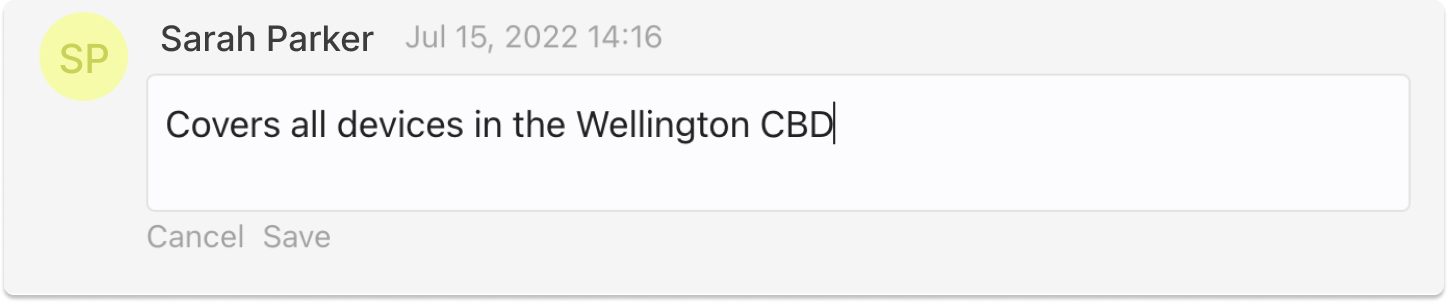
- Click the Edit link on your comment.
- Edit your comment.
- Click the Save link or to cancel, click the Cancel button.
- Your comment will now be updated.
You can only edit the comments you have posted.
Delete a Comment
To delete a comment on a Location, follow these steps:
- Go to the Locations page and click on a Location to open the Settings panel.
- Scroll down to the Location Comments section.
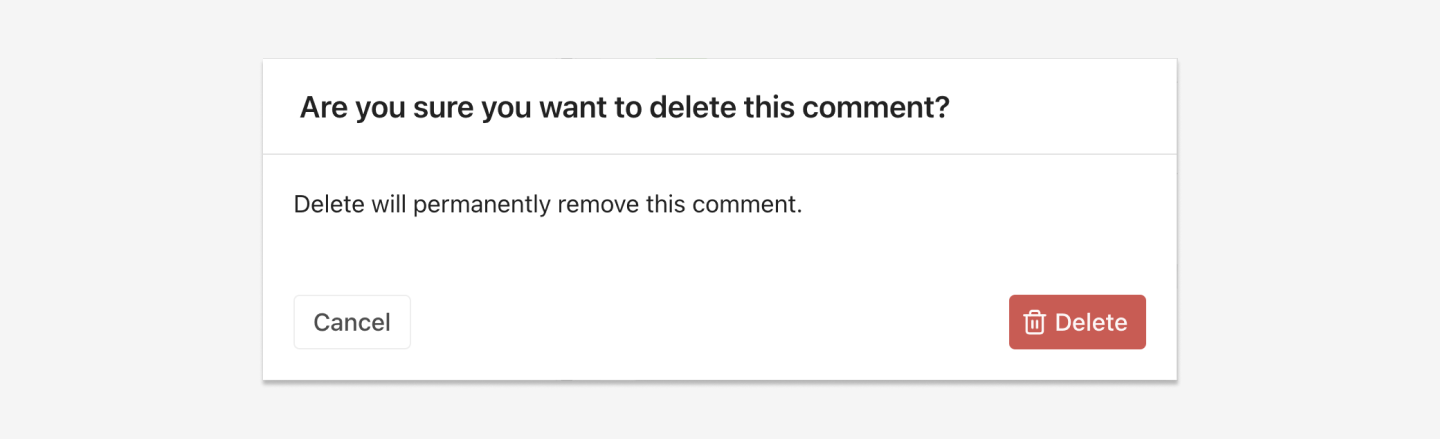
- Click the Delete link on your comment.
- A pop-up modal will appear.
- Click the Delete button or to cancel, click the Cancel button.
- Your comment will now be removed from the Location Comments section on the selected location.
You can only delete the comments you have posted.