
Live Device Status
The Live Device Status displays the number of online, offline and spare devices within your client network.
View the Live Device Status panel
To view and use the Live Device Status, follow these steps:
- Go to the Dashboard page and navigate to the Live Device Status panel located in the top left-hand corner of the page.
- Hover your mouse over each section to display the number of online, offline and spare devices.
- Use the keys in the bottom left-hand corner of the panel to define each section.
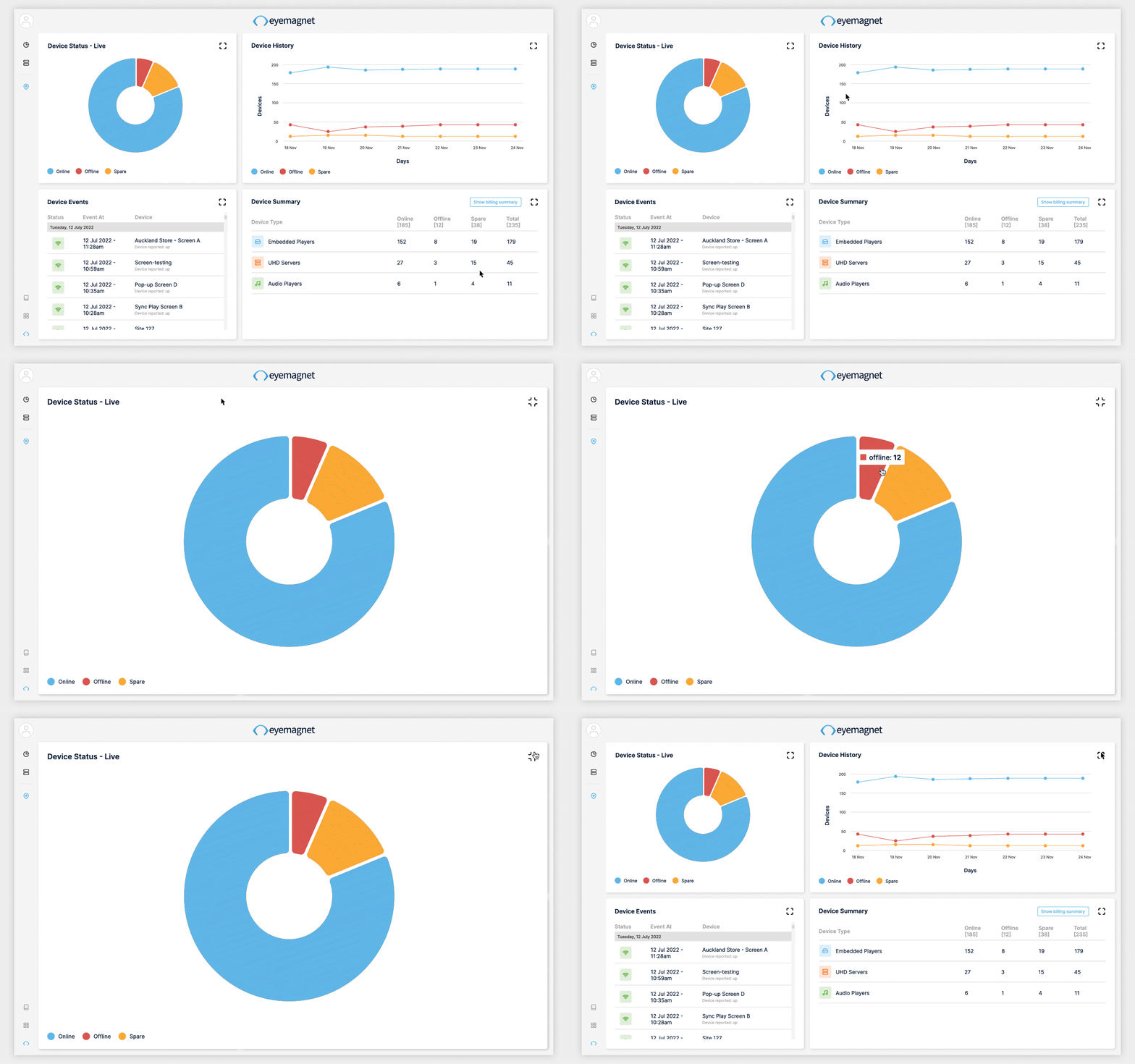
To view the chart in full-screen mode, click the Expansion icon in the top right-hand corner of the panel. Click the Expansion icon again to return out of full-screen mode.
Status Definitions
-
Online: Devices that are currently active on your network.
-
Offline: Devices that are not currently active on your network.
-
Spare: Devices that have been marked spare on your network.
