
Switching between Channels
Within the Remote App you may change and choose which Channels are playing on a Screen, however to create a Channel and assign the Channel to a Screen, see Create Channels and Configure Screen Settings.
Change or play a different Channel
To change a Channel, or play a different Channel on a Screen, follow these steps:
- Navigate to the Home page of the Remote App, and click on the Screen that you wish to change Channel.
- Click the green Play Now Button underneath the Channel you would like to play.
- The Screen will update and start playing the selected Channel.
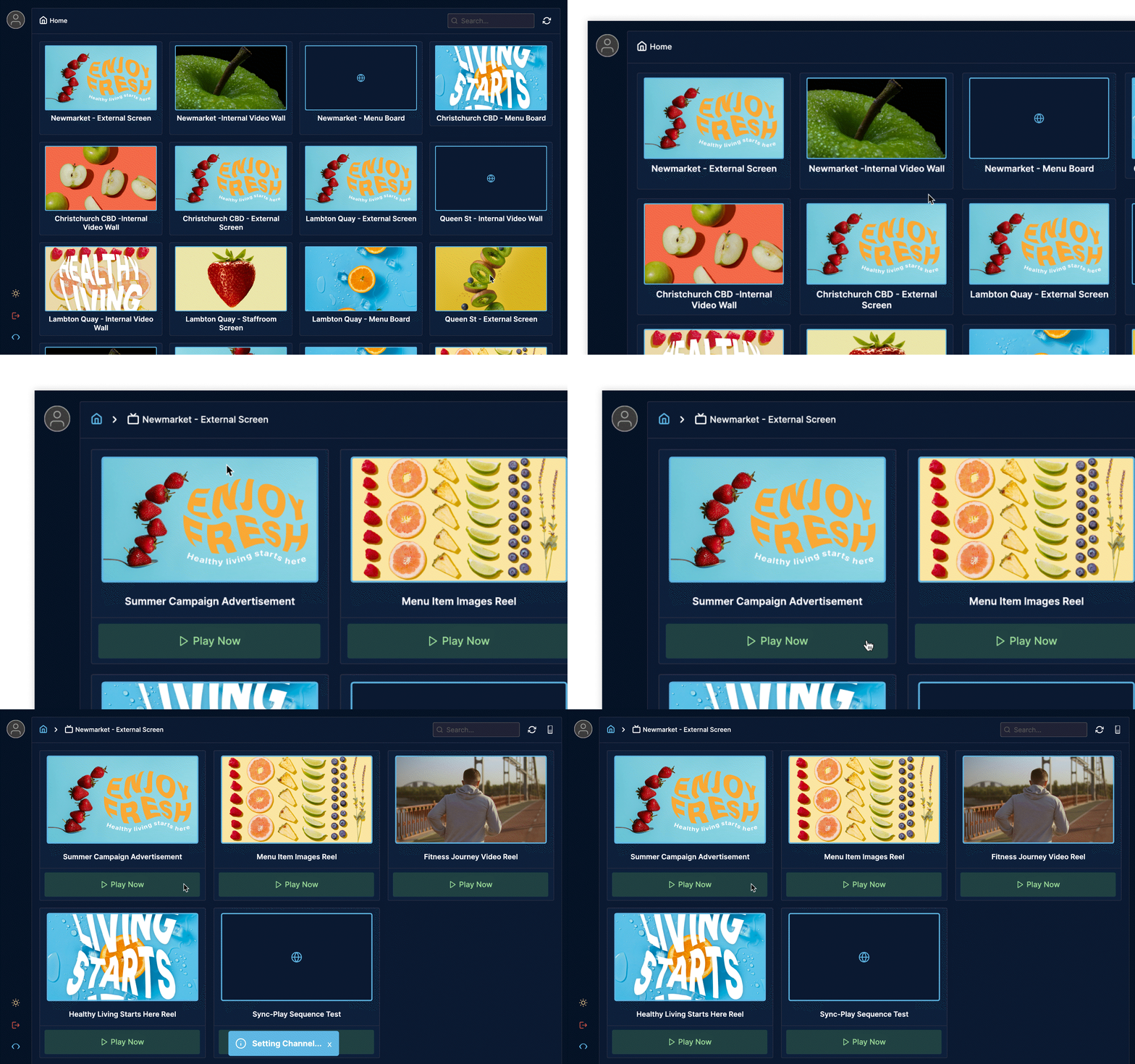
If the content has not reloaded on your webpage, navigate to the top right-hand corner and click the Refresh icon.