
How to log in
To log in to the CMS, follow these steps:
- Go to apps.eyemagnet.com/media in the browser of your choice (Google Chrome, Safari, Firefox).
- Fill in the available fields using your credentials:
- Enter your Username or Email address.
- Enter your Password.
- Click the Login button.

If an Incorrect Username or Password Error displays in the top-right corner, make sure you've entered the correct details and try again.
If the error persists, email support@eyemagnet.com
How to log out
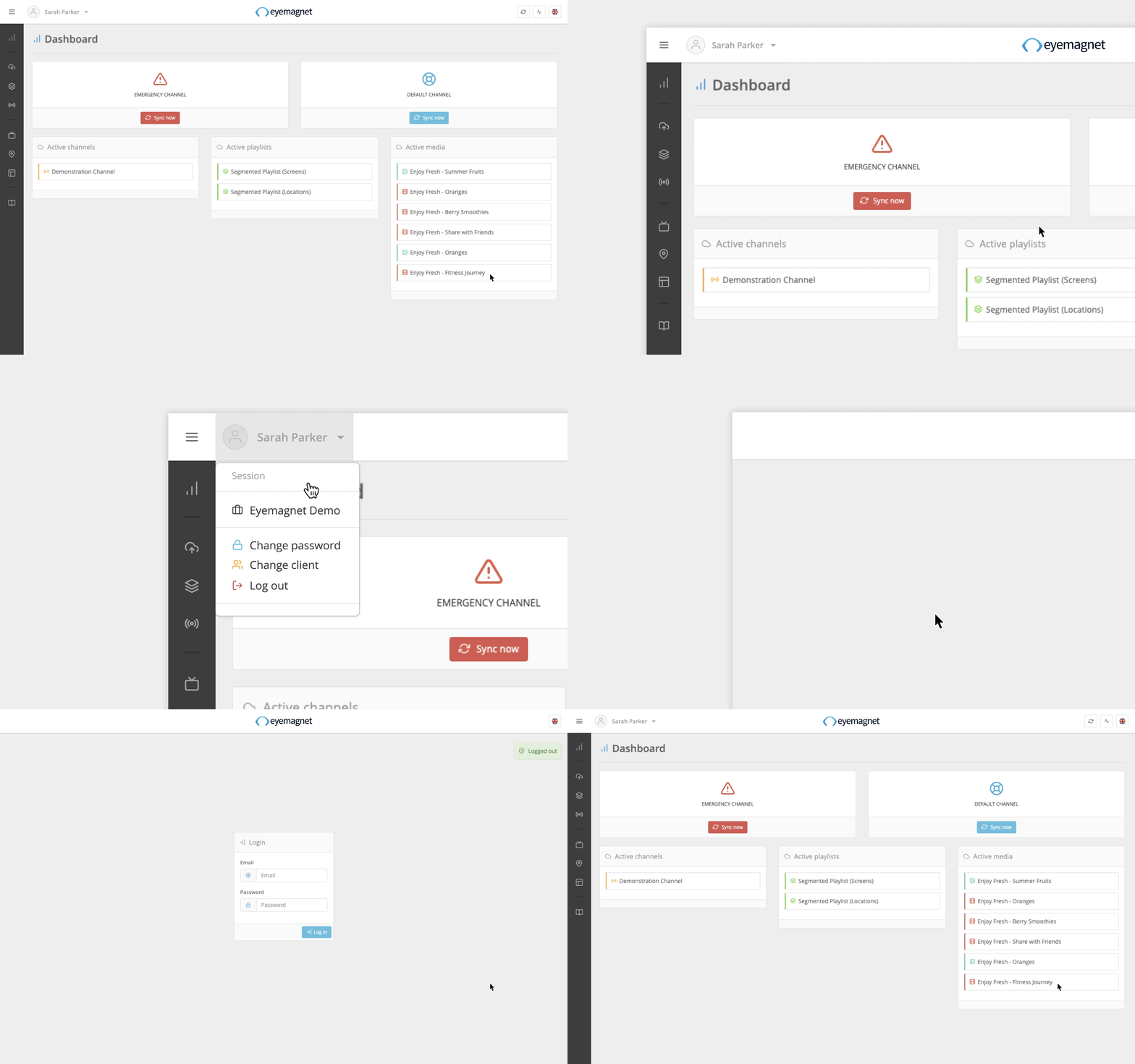
To log out of the CMS, follow these steps:
- Click the Account dropdown on the left-hand side of the navigation bar.
- Next, click on the Log out link.
- The browser will successfully log you out and return you to the Login page.
Leaving the CMS idle for one hour will cause your session to time out and you will need to log in again.